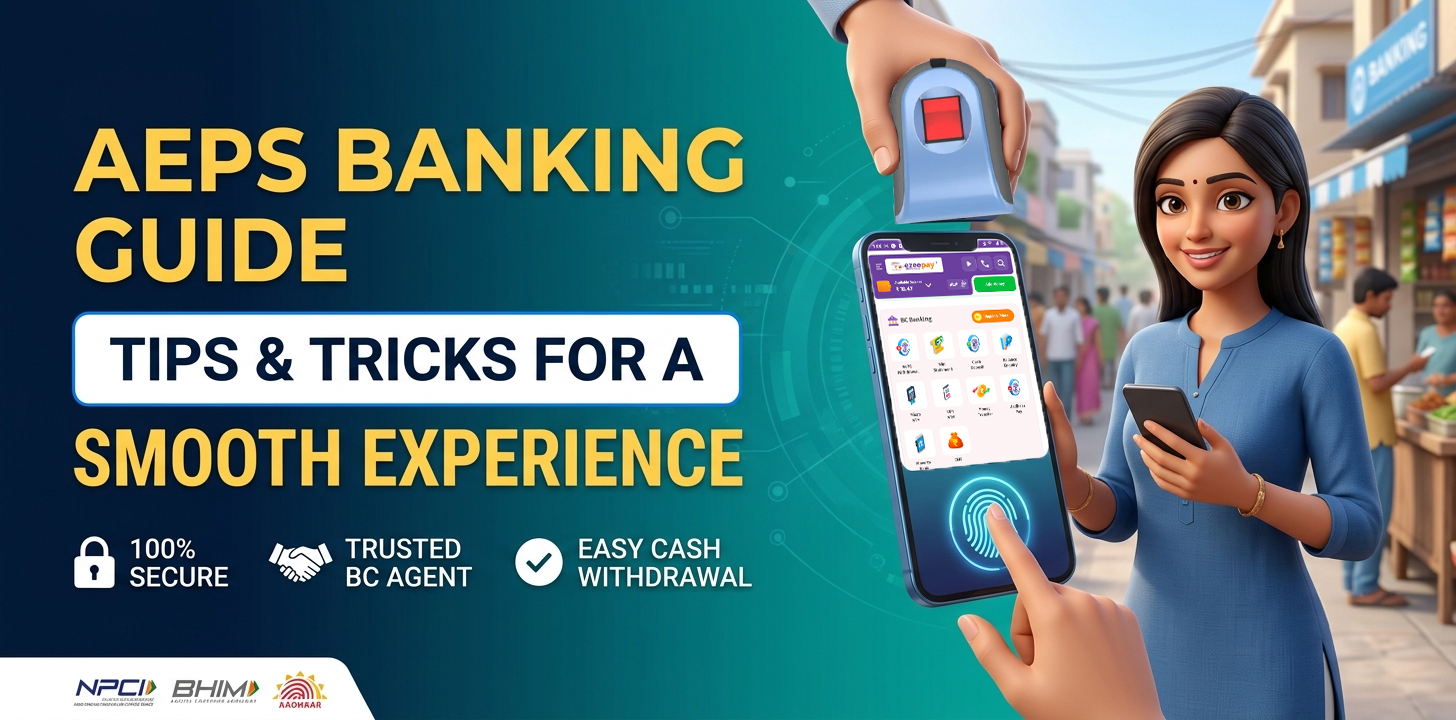
Conducting Banking Transactions Via AEPS: Tips And Tricks For A Smooth Experience
The Aadhaar Enabled Payment System (AEPS) has fundamentally transformed financial inclusion across India. By turning local mom-and-pop shops into digital banking micro-branches, AEPS allows millions of individuals—especially in rural and semi-urban areas—to access essential banking services using only their Aadhaar number and biometric authentication.
Whether you need to check your account balance, withdraw cash, or transfer funds, AEPS offers a convenient, cardless, and safe payment channel. However, to ensure every transaction goes through seamlessly without failure or security risks, following best practices is essential.
Here is a practical guide and best-practice checklist to help you get a smooth, hassle-free AEPS banking experience.
1. Choose a Reliable AEPS Service Provider or Agent
Selecting a trustworthy service provider is the foundational step. AEPS operates through a network of fintech platforms, payment banks, traditional financial institutions, and local Business Correspondents (BCs) or retailers.
-
For Customers: Always use authorized micro-ATMs or digital banking outlets displaying official provider credentials.
-
For Retailers & Agents: Look for platforms offering reliable transaction success rates, instant settlements, real-time transaction history, robust customer support, and competitive commission structures. Using a transparent AEPS portal ensures smooth operations and faster dispute resolutions.
2. Understand How AEPS Authentication Works
To complete an AEPS transaction, you do not need a debit card or a physical signature. Instead, the process relies on two-factor authentication:
-
Your Aadhaar Number (or Virtual ID).
-
Your Biometric Verification (Fingerprint or Iris Scan).
Important Note: Make sure your hands are clean and dry when placing your finger on the biometric scanner. Worn-out, wet, or dusty sensors are the primary reason for “biometric match failure” errors during cash withdrawals.
3. Keep Your Aadhaar & Mobile Details Updated
AEPS relies directly on the data registered with the Unique Identification Authority of India (UIDAI) and your bank.
-
Update Biometrics: If you haven’t updated your fingerprint data in several years (or if elderly family members face frequent scan failures), visit a nearby Aadhaar Enrolment Centre to refresh your biometrics.
-
Link Your Active Mobile Number: Firstly confirm that your current mobile number is linked to both your bank account and Aadhaar.
4. Double-Check Your Details Before Processing
A simple typo can lead to a failed transaction or unnecessary delay. Before the retailer presses “Submit” on the Transaction application, double-check three core details:
-
Bank Name: Select the exact bank where your Aadhaar is linked (e.g., State Bank of India, Bank of Baroda, etc.).
-
Aadhaar Number: Carefully verify the 12-digit number typed into the device.
-
Transaction Amount: Confirm the exact withdrawal or transfer amount before placing your finger on the scanner.
5. Follow standard Transaction Workflow
| Transaction Type | Primary Purpose | What You Need to Provide |
| Balance Inquiry | Check available bank balance | Bank Name + Aadhaar No + Fingerprint or IRIS Scan |
| Cash Withdrawal | Withdraw cash from linked account | Bank Name + Aadhaar No + Amount + Fingerprint |
| Cash Deposit | Deposit money into an account | Bank Name + Aadhaar No + Amount + Fingerprint |
| Aadhaar Pay / Fund Transfer | Send money or pay a merchant | Beneficiary Details / Bank + Aadhaar No + Fingerprint |
Always verify that the agent selects the correct transaction type on their PoS device before scanning your fingerprint.
6. Monitor Transaction History & Account Balance
Always ensure your bank account has sufficient funds before initiating a cash withdrawal. Attempting transactions without adequate balance can result in failed requests or temporary bank hold charges.
Additionally, make a habit of checking your balance or reviewing your mini-statement regularly. If a transaction fails (money debited from your bank account but cash not disbursed by the agent), do not panic:
-
Request an instant transaction slip/receipt from the AEPS merchant.
-
Note the RRN (Retrieval Reference Number) printed on the receipt.
-
Most failed AEPS transactions are automatically reversed back to your account by your bank within T+5 working days as per NPCI guidelines.
7. Protect Your Aadhaar Privacy & Practice Security
While AEPS is built on a highly secure NPCI framework, basic digital safety practices remain vital:
-
Never Share Biometrics Unsafely: Only scan your fingerprint on authorized, genuine POS devices.
-
Use Masked Aadhaar or VID: Where possible, utilize a Virtual ID (VID) generated via the mAadhaar app instead of sharing your full Aadhaar details in public spaces.
-
Lock Biometrics When Not in Use: You can use the mAadhaar app or the official UIDAI portal to lock your biometrics when you aren’t planning to do AEPS transactions, preventing any potential misuse.
Summary
The Aadhaar Enabled Payment System makes banking as simple as a thumbprint. By choosing a reputable AEPS service provider, verifying your details before scanning, monitoring your account receipts, and safeguarding your Aadhaar privacy, you can enjoy a seamless, secure, and instant banking experience anywhere in India.